One searchable place for a collection
Films, music, images, documents and other entries; files catalogued from folders and physical discs entered manually.
Modo Catalog · Windows · HU / EN / DE

Organise movies, music, pictures and documents with local covers, your own categories and searchable records. Find what is stored where even when an external drive is disconnected.
Classification organises the catalogue without moving actual files. Removing a record leaves the actual file intact. Moving files is a separate, deliberate action.
New in 0.14.1: fast disc scanning without mandatory full-file hashing, original folder structure and a separate confirmation before adding to the catalogue. Similar titles show the other disc and recorded path; entries are not automatically skipped. Entry categories are assigned automatically, including music genre subcategories. Missing genre information is marked as “No genre specified”. The Music category spans all catalogues.
Films, music, images, documents and other entries; files catalogued from folders and physical discs entered manually.
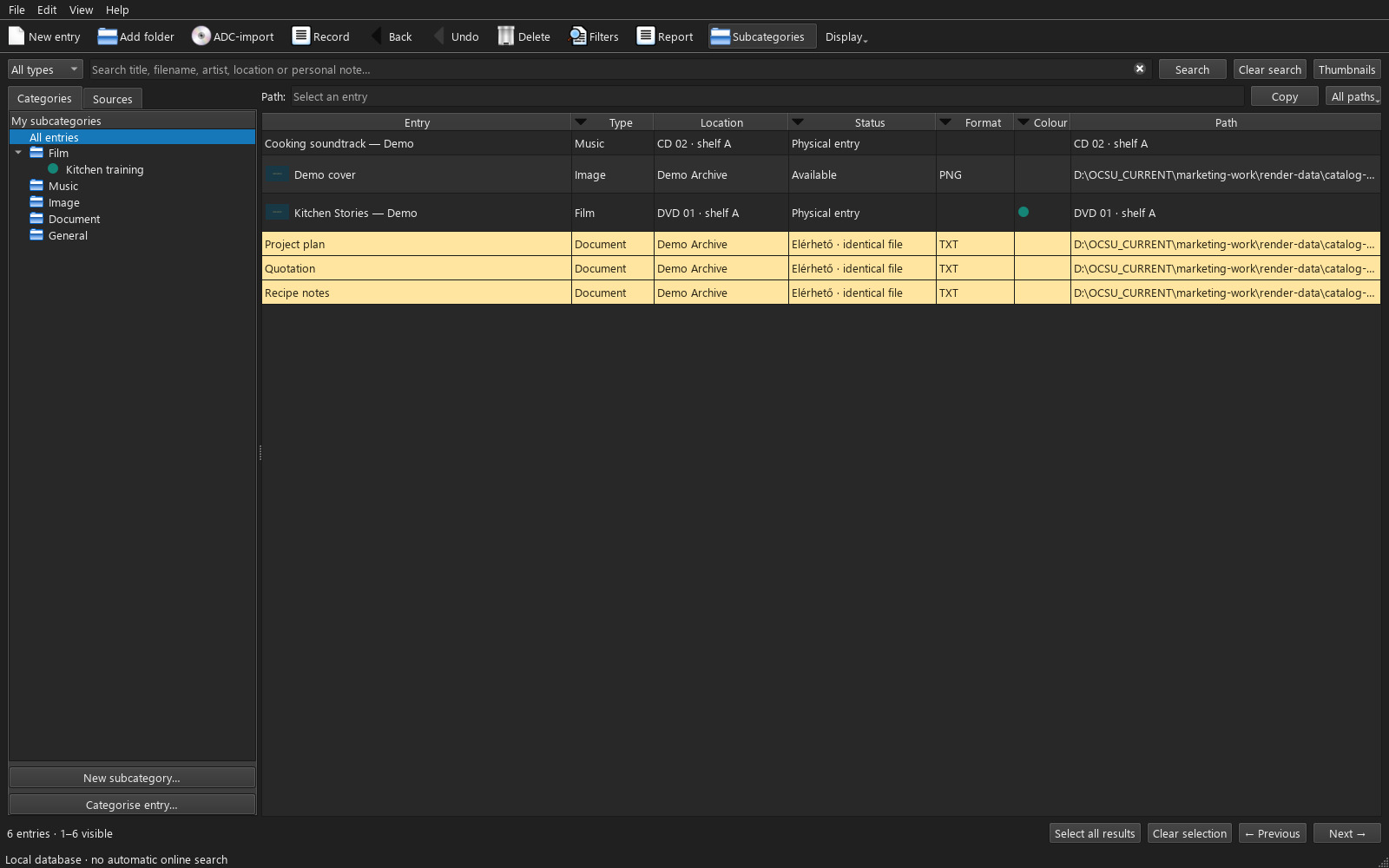
Search titles, filenames, creators, locations and notes. Subcategories, colours and type, format and status filters narrow the list.
Your titles, years, creators, descriptions and notes. Catalogue metadata stays yours; interface language is a separate setting.
Review recorded file paths and physical storage locations. Previously catalogued details remain available when a drive is disconnected.
Dedicated ADC and Data Crow import workflows; saved worklists, done markers, personal notes and export.
HU / EN / DE, light and dark appearance. Online metadata search is a separate deliberate action. The trial works up to 1000 files.
Select a screenshot to enlarge it. These are actual application interfaces with separate demonstration data; prices shown are examples.
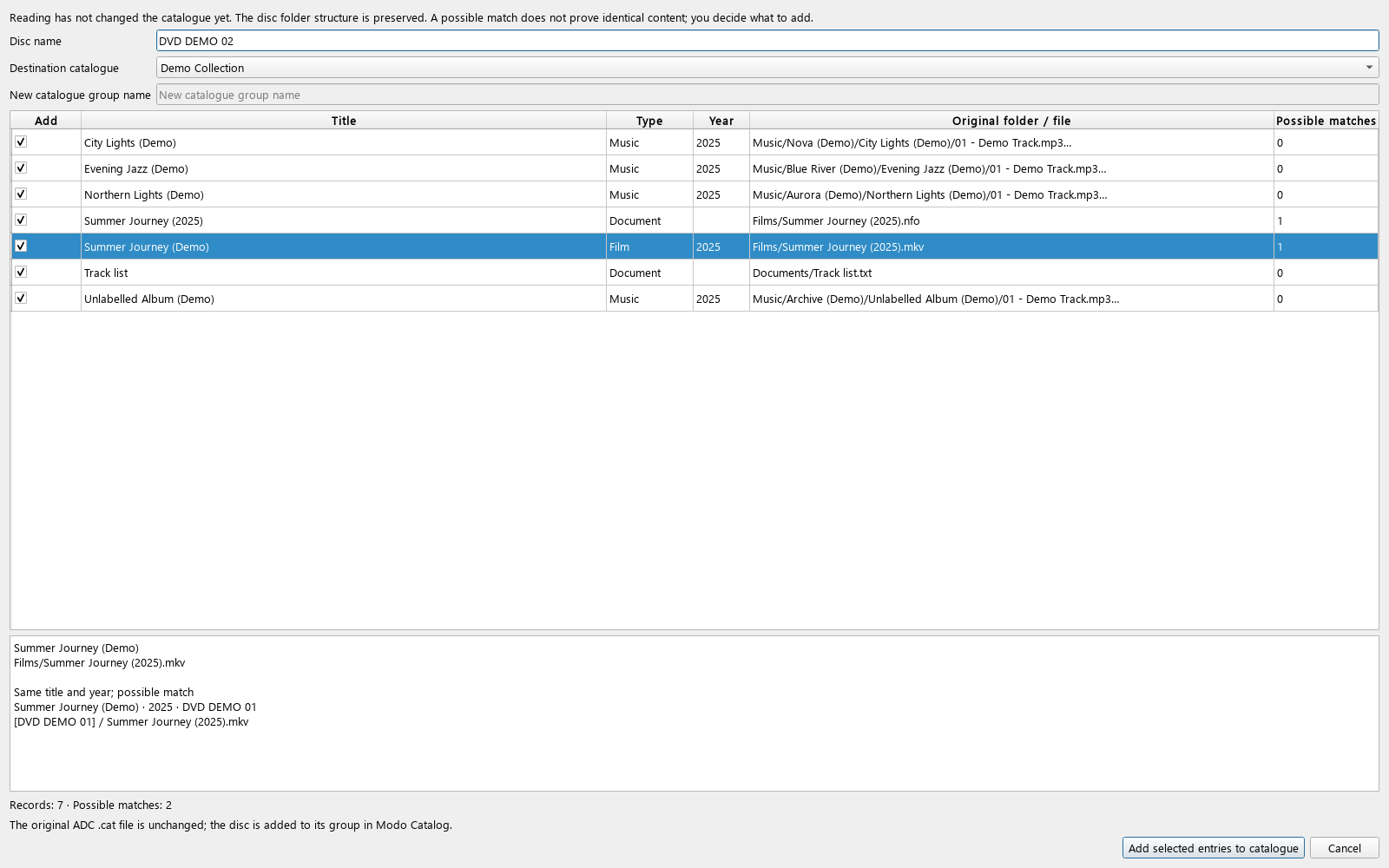 Enlarge screenshot ↗
Modo Catalog 0.14.1
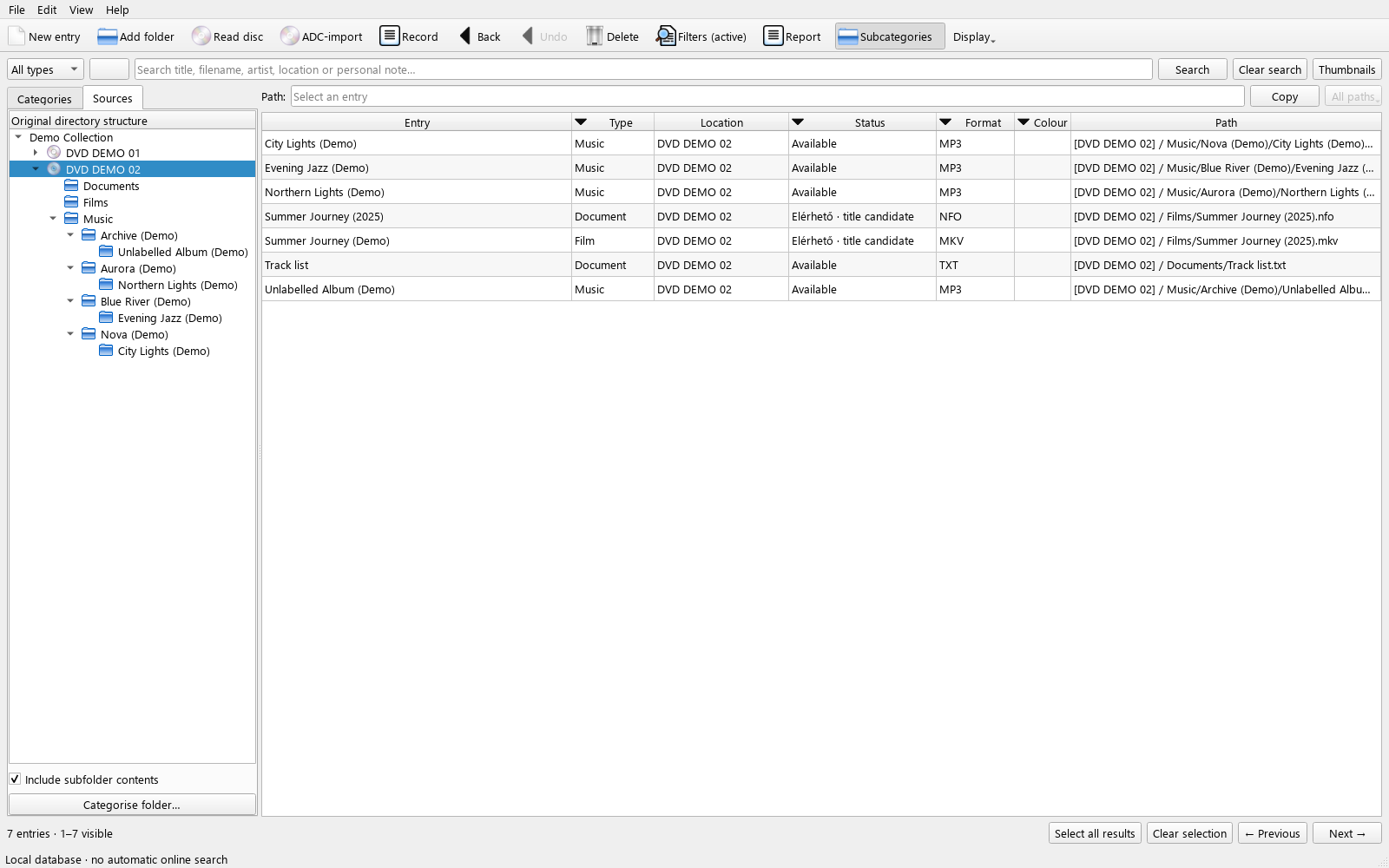 Enlarge screenshot ↗
Modo Catalog 0.14.1
 Enlarge screenshot ↗
Modo Catalog 0.14.1
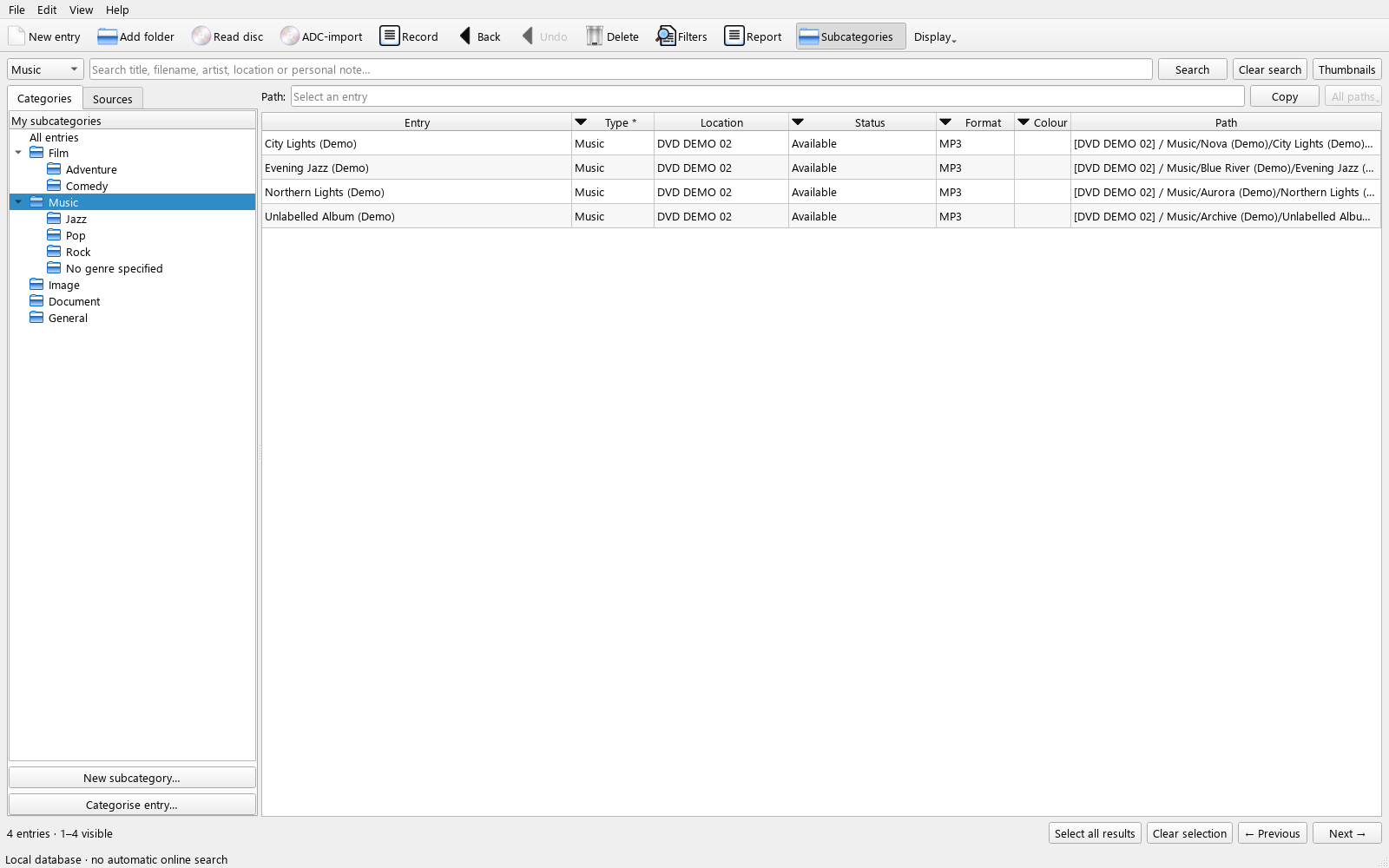 Enlarge screenshot ↗
Modo Catalog 0.14.1
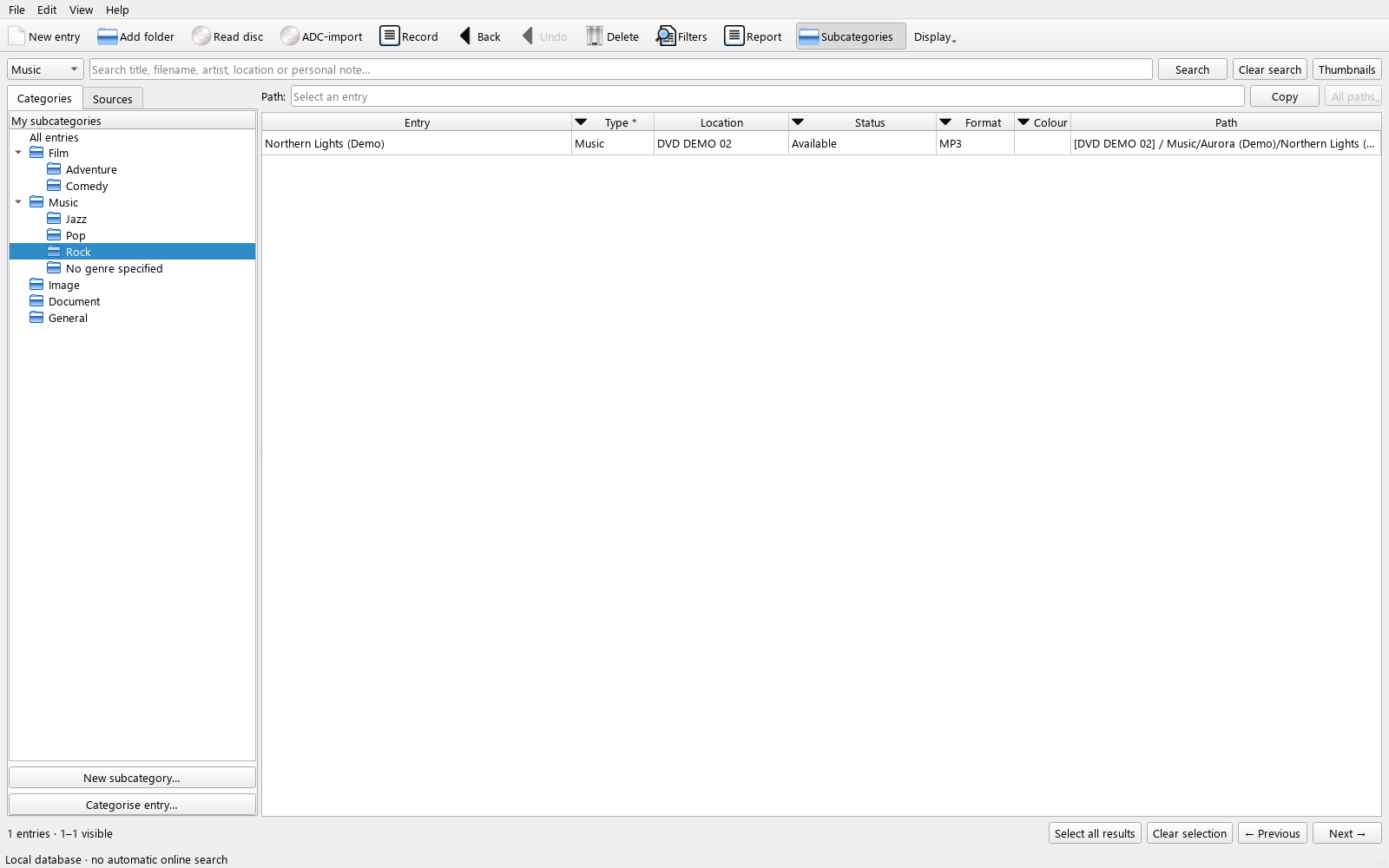 Enlarge screenshot ↗
Modo Catalog 0.14.1
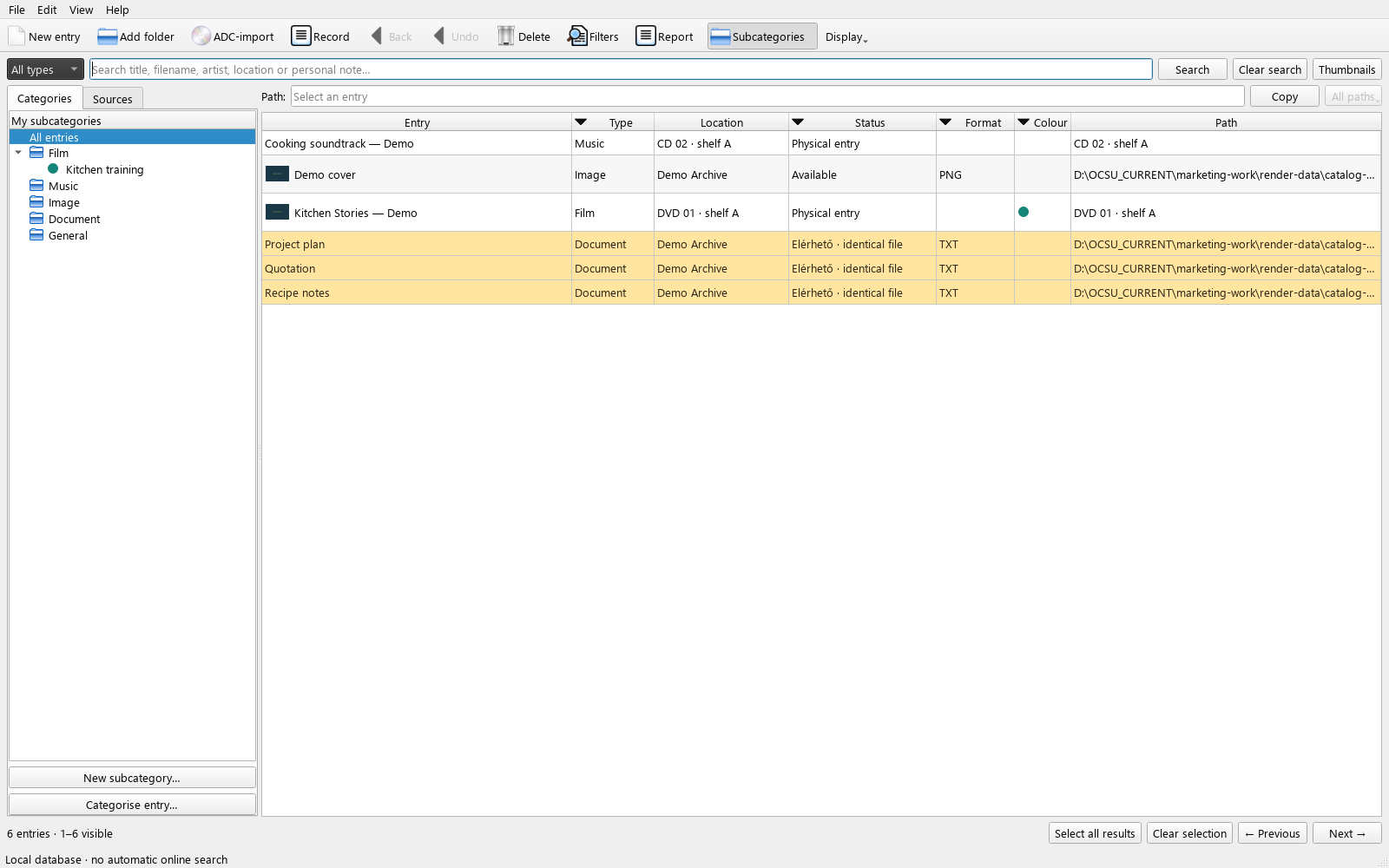 Enlarge screenshot ↗
Modo Catalog 0.13
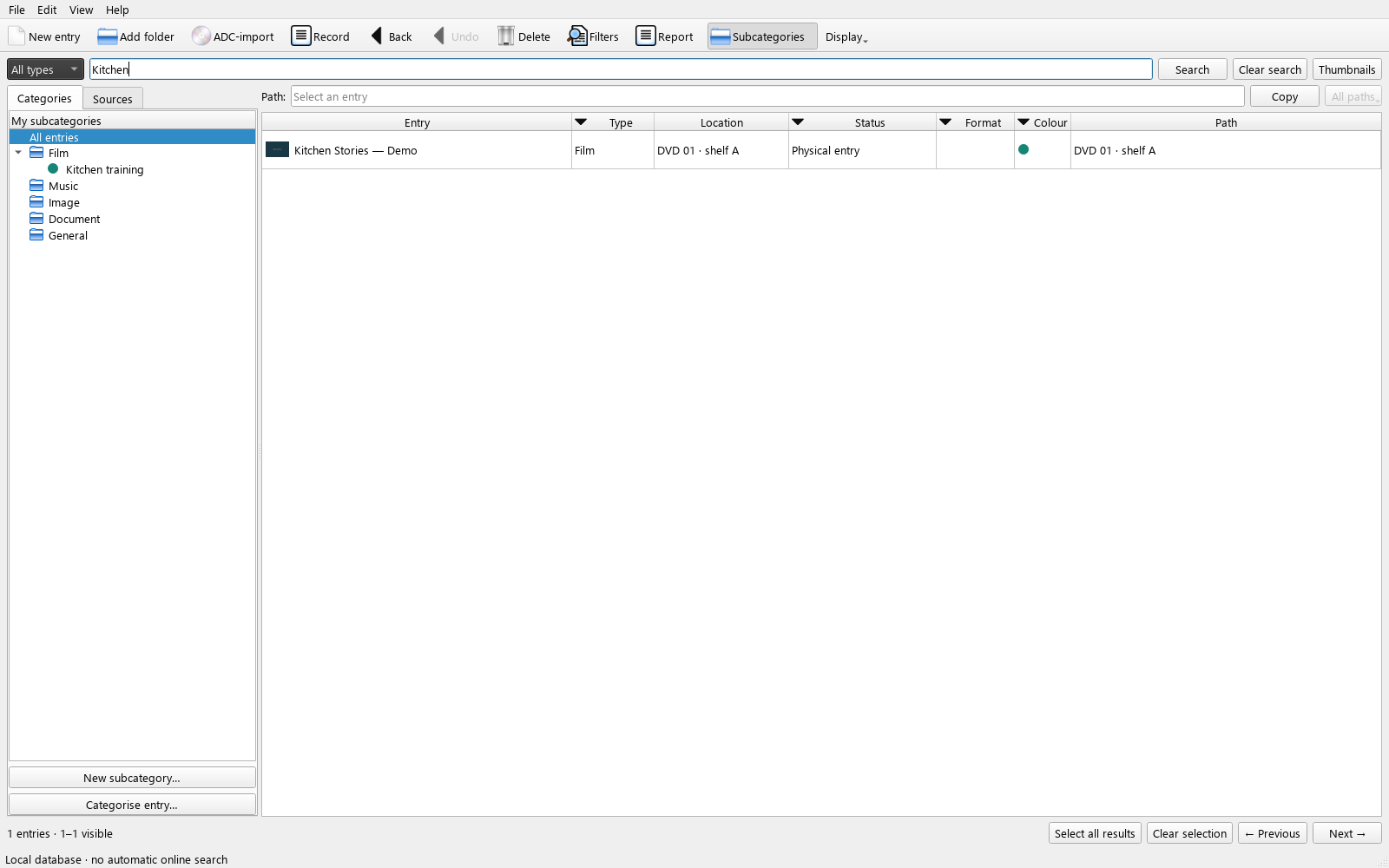 Enlarge screenshot ↗
Modo Catalog 0.13
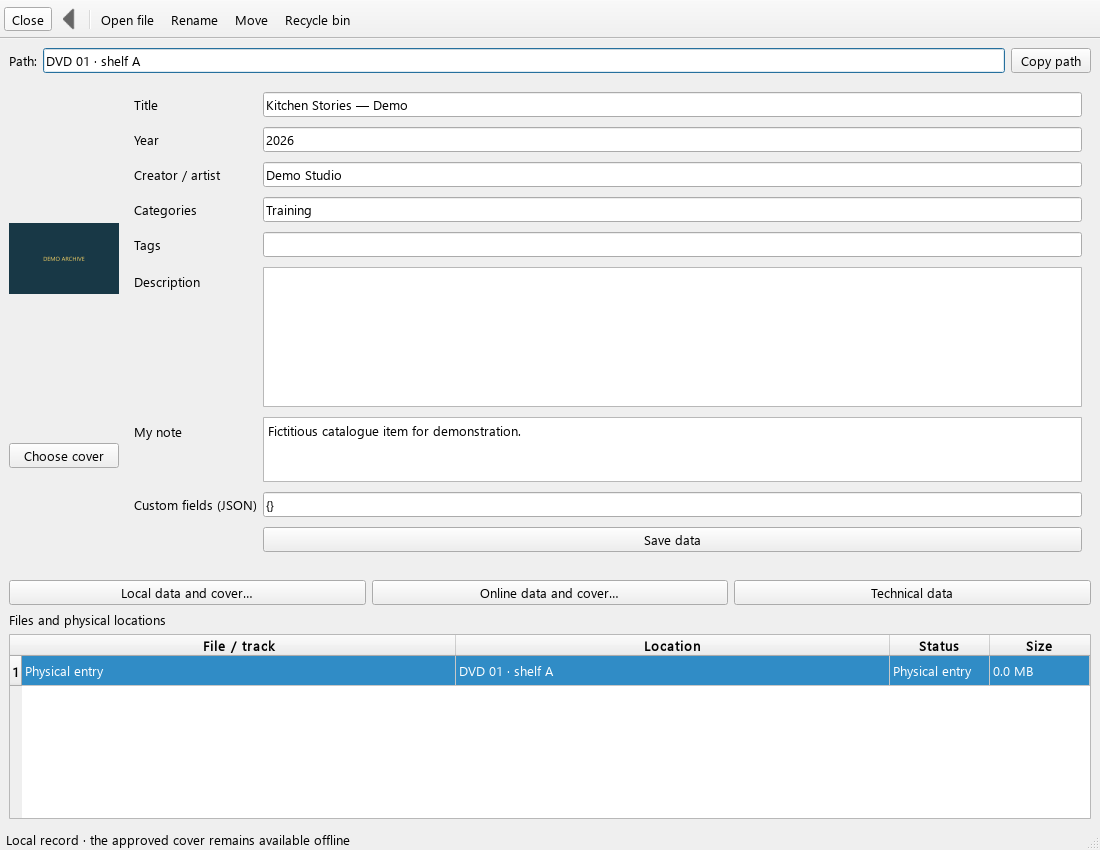 Enlarge screenshot ↗
Modo Catalog 0.13
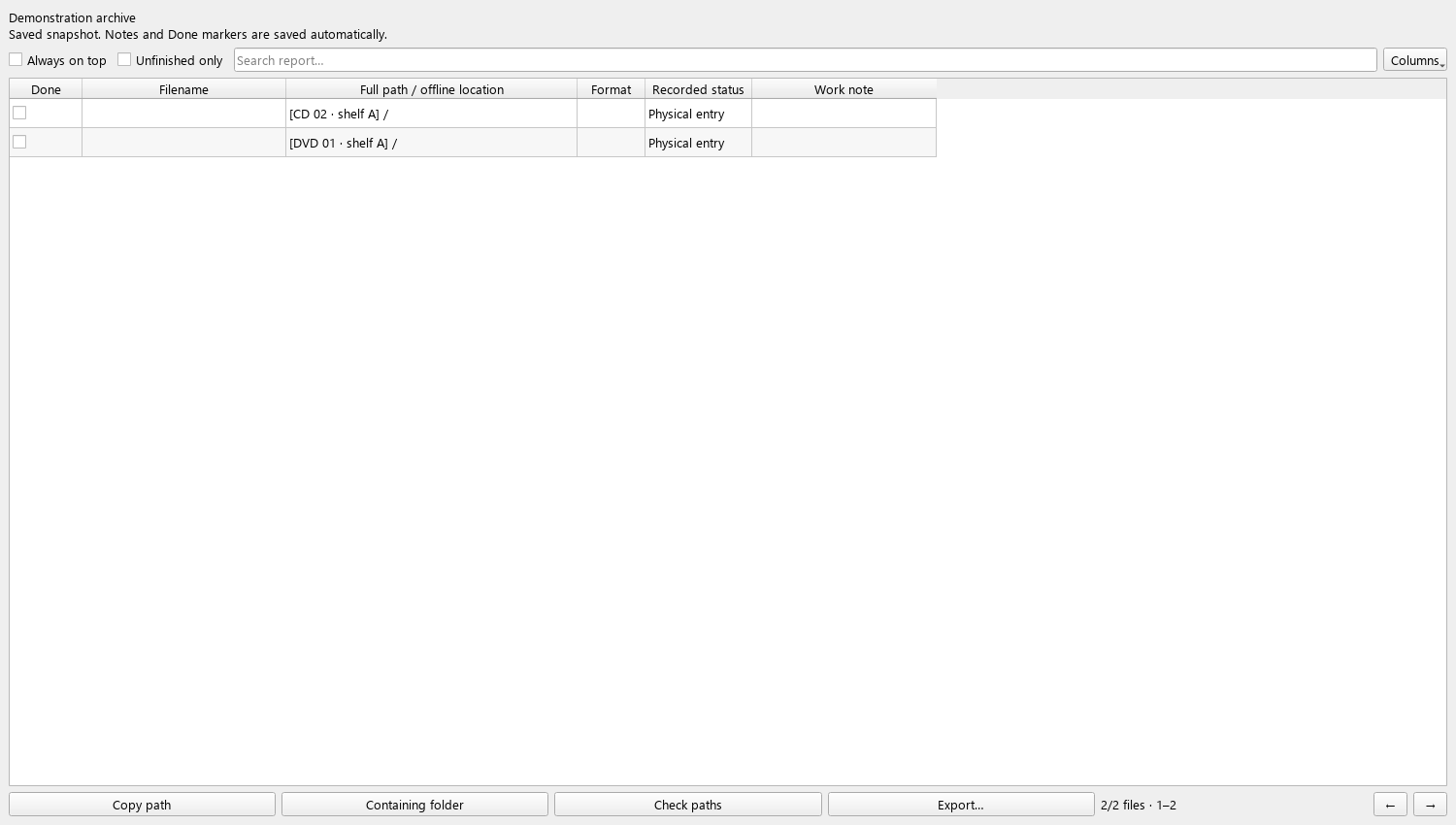 Enlarge screenshot ↗
Modo Catalog 0.13
 Enlarge screenshot ↗
Modo Catalog 0.13
Hungarian, English and German interfaces. Your own records and names are not automatically translated. · Modo Catalog 0.14.1 / 0.13
The trial supports up to 1000 files and 1000 records. At the limit, you can still browse and edit your existing data.
Modo Catalog
One-time total price. Unlimited catalogue on up to 3 of your own Windows computers. Updates released for the application are included without buying again.
Buy full licenceCore catalogue functions work locally. Online activation, downloading updates and explicitly requested online metadata searches require internet access.
Yes. You continue using the same local catalogue; the full licence removes the trial count limit. Create a backup before updating.
Up to 1000 file entries and up to 1000 records, counted separately. An album record may include multiple files. Imports exceeding the limit are not partially saved.
The interface and user guide support Hungarian, English and German. Your own record text stays unchanged.
Online providers are optional; the local catalogue requires no subscription. The HUF 7900 purchase price does not include any external provider fees. Users obtain their own access directly from the provider where required. TMDB: free for non-commercial use with attribution; commercial integration requires separate permission. MusicBrainz: non-commercial API use is free and ordinary metadata searches currently need no API key; core data is freely reusable under CC0, while service and supplementary-data conditions may differ. Wikidata: structured data is freely reusable under CC0, including commercially. This notice does not mean every listed provider is available in this edition. Permission to use customer-supplied TMDB/MusicBrainz access within the paid catalogue remains to be clarified; supplying personal access does not itself replace integration permission. Cover art and other image rights must be checked separately.